In the high-stakes world of business reporting, a single manual error is more than just a typo, it is a risk to your professional reputation. During one of our masterclasses, founders Mads Gedde (former BCG) and Alexander Høst (former ABG Sundal Collier) shared a sobering reality: one organization misreported metrics by over $100 million due to a single copy-paste oversight.
For most finance and strategy teams, PowerPoint serves as the essential translation layer between complex data and executive narratives. Yet, this critical function often consumes 20% to 50% of the work week, leaving professionals trapped in a "linear workflow" of manual updates and all-nighters. Grunt is here to replace that friction with an automated process that ensures your slides are always reliable.
From manual grind to augmented intelligence
The traditional way of building slides is not scalable, and it is fragile. When you copy-paste data from Excel to PowerPoint, you are creating a static snapshot that is outdated the moment your Excel file changes.
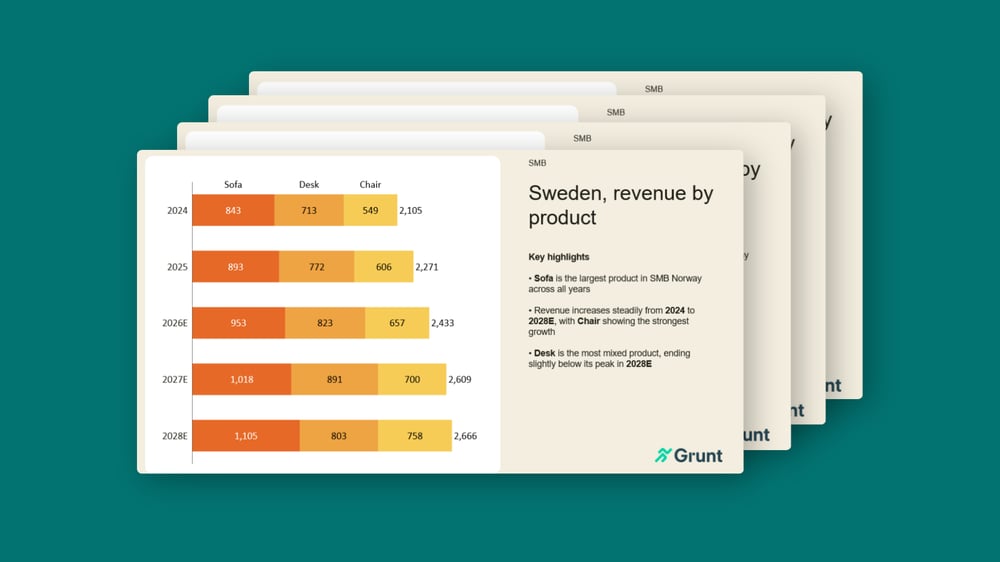
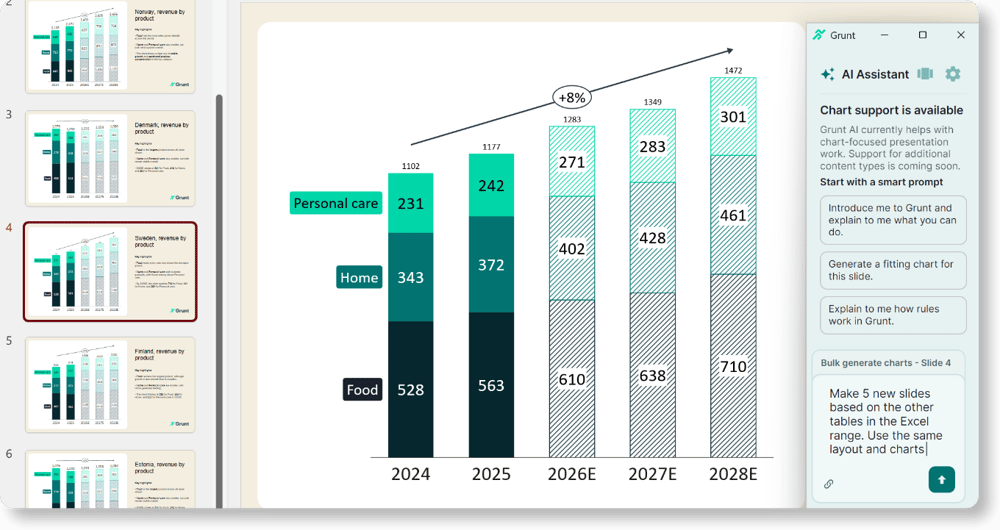
Grunt’s Excel Connection transforms this relationship. The Excel connection creates a live link between your source files and your presentation, ensuring that your slides stay aligned with the latest data without manual updates.
When numbers shift in Excel, Grunt doesn’t just update the value, it understands the context. Through rules applied on top of your data, Grunt handles the visual logic for you:
- Automatic trend indicators: If a growth metric turns negative, your trend arrows can automatically rotate and change color from green to red.
- Visual Grid stability: As you add new months or rows in Excel, the Visual Grid automatically expands your tables and charts, maintaining alignment without manual resizing.
The power of the "one click" update
The most gruelling part of reporting is the "last 10%" - the manual effort required to finalize a deck under pressure. In a standard workflow, updating a 100-slide board deck for a new month can take hours of tedious checking.
With Grunt, you get full control over every data point in your deck. You can swap an entire source file, shifting from the 1.0 version to the 2.0 version of your model, and click Update All. In seconds, every chart, table, and KPI visualization in the entire presentation refreshes. What used to be a full day of work is reduced to two minutes of verification.
Focus on the "why," not the "what"
Insight is the value only you can add. By eliminating the “grunt work” of alignment and data entry, you are free to focus on what truly matters: strategic insights and impactful storytelling.
Instead of worrying if your Gross Profit margin is correct, you can spend your time explaining why it changed. Use your slides to deliver deep insights rather than just data dumps. With Grunt, you aren't just building a report, you are crafting a narrative backed by an unbreakable architectural frame.
Master reporting best practices
If you want to go deeper into how leading teams structure and update their reporting, watch our masterclass “Key learnings from working with 100 quarterly reports.”
In the session, we share practical lessons from working with 100+ quarterly reports , and demonstrate how Grunt’s Excel connection keeps your slides synced with your Excel data.