Creating one chart is easy. Creating and maintaining hundreds across recurring presentations is not.
For teams working with large datasets, chart production quickly becomes one of the most time-consuming parts of building PowerPoint slides. Copy-pasting data, building visuals, adjusting layouts, and updating slides manually every time you create a new presentation can consume hours.
Grunt AI is built to change that. Teams can bulk-generate editable charts and slides directly from Excel while keeping everything fully editable and connected to the underlying data.
Most AI slide tools break the workflow
Generative AI has massively improved the speed of drafting content, but when it comes to business presentations, most AI tools still struggle with the part that matters most: creating charts at scale.
Many AI slide tools generate static visuals that cannot be properly edited or updated. That becomes a big problem in presentations with a high chart volume, where teams need to create, maintain, and continuously update large numbers of visuals across a single deck.
The moment numbers change, you are often forced to recreate charts from scratch just to make small adjustments. That is not a workflow improvement, it’s another layer of friction.
Generate easily editable charts and slides in bulk with Grunt AI
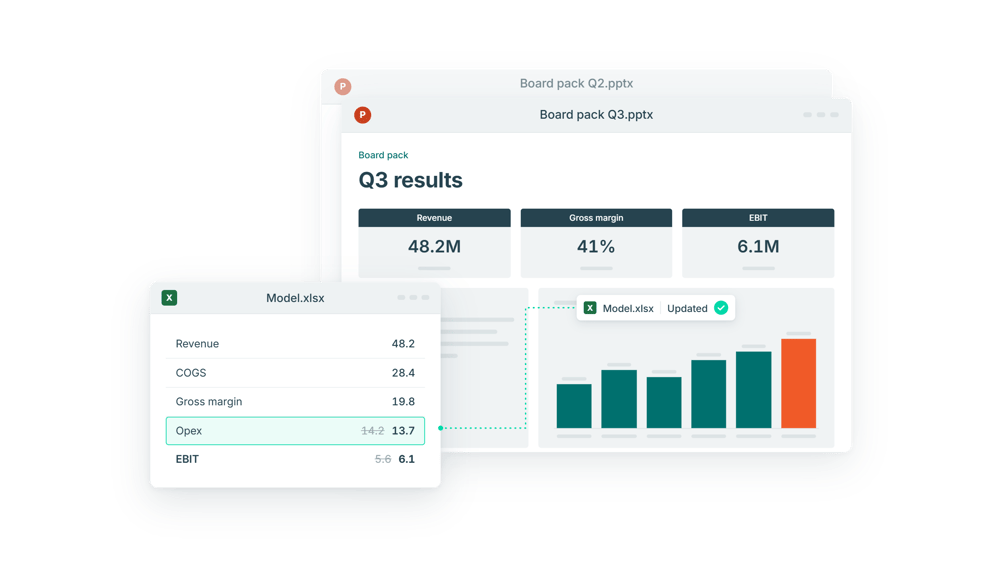
Grunt AI lives inside PowerPoint and enables you to bulk-generate charts and slides that stays safely connected to your underlying Excel data.
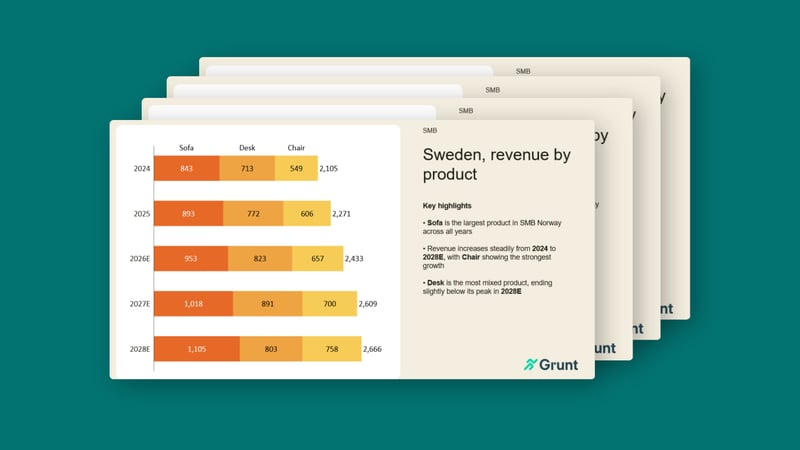
Start by generating different chart options from a single Excel table to find the chart that best communicates your story. Once you are happy with the layout and chart structure, the same setup can be applied across the remaining Excel tables to generate consistent slides in bulk.
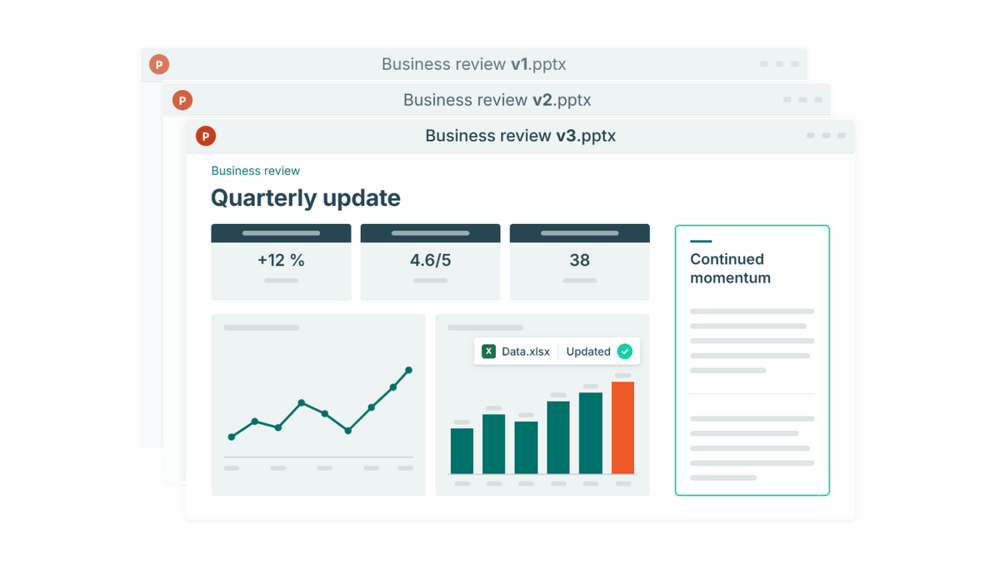
As numbers evolve, presentations can be refreshed with a single click without manual updates or rebuilding the charts from scratch.
You can see a 5-minute walkthrough of the process here.
Unlike static AI-generated outputs, everything stays easily editable in PowerPoint. Charts, layouts, labels, and formatting can all be adjusted directly without restarting the process. You get the speed of AI while maintaining full control over the final presentation.
The result is faster production, more consistent output, and far less repetitive slide work.
Built for data-driven teams
The more data-driven a presentation becomes, the more time teams spend creating, managing, and updating charts manually, especially when large numbers of visuals need to be built across an entire deck.
Hours disappear in the repetitive production work required to build and maintain presentations that stay accurate and consistent across every new version.
Grunt AI is especially valuable for teams producing high volumes of data-driven presentations, including:
- Monthly and quarterly reporting
- Investor updates and board materials
- Financial modelling and scenario analysis
See Grunt AI in action
Grunt AI is built for teams that need a faster way to create accurate, consistent, and presentation-ready decks from large datasets.
Want tot learn more? We've created a 5 minute video on how it works.